Sidey Jekyll Theme
Ultra-minimal Jekyll blog theme with a dark sidebar navigation, perfect 100/100 Lighthouse score, inline CSS for blazing performance, search, tags, and JSON feeds — all in ~5kb of CSS.
About this Theme
Sidey is what happens when a developer obsesses over web performance and then turns that obsession into a Jekyll theme. The result is a strikingly minimal blog with a dark sidebar, a pristine white content area, and a Lighthouse score of 100 across all four categories — performance, accessibility, best practices, and SEO.
The total CSS footprint is approximately 5kb. No web fonts, no heavy frameworks, no bloat. Just HTML, a tiny amount of SCSS compiled to inline CSS, and clean semantic markup.
The Two-Column Layout
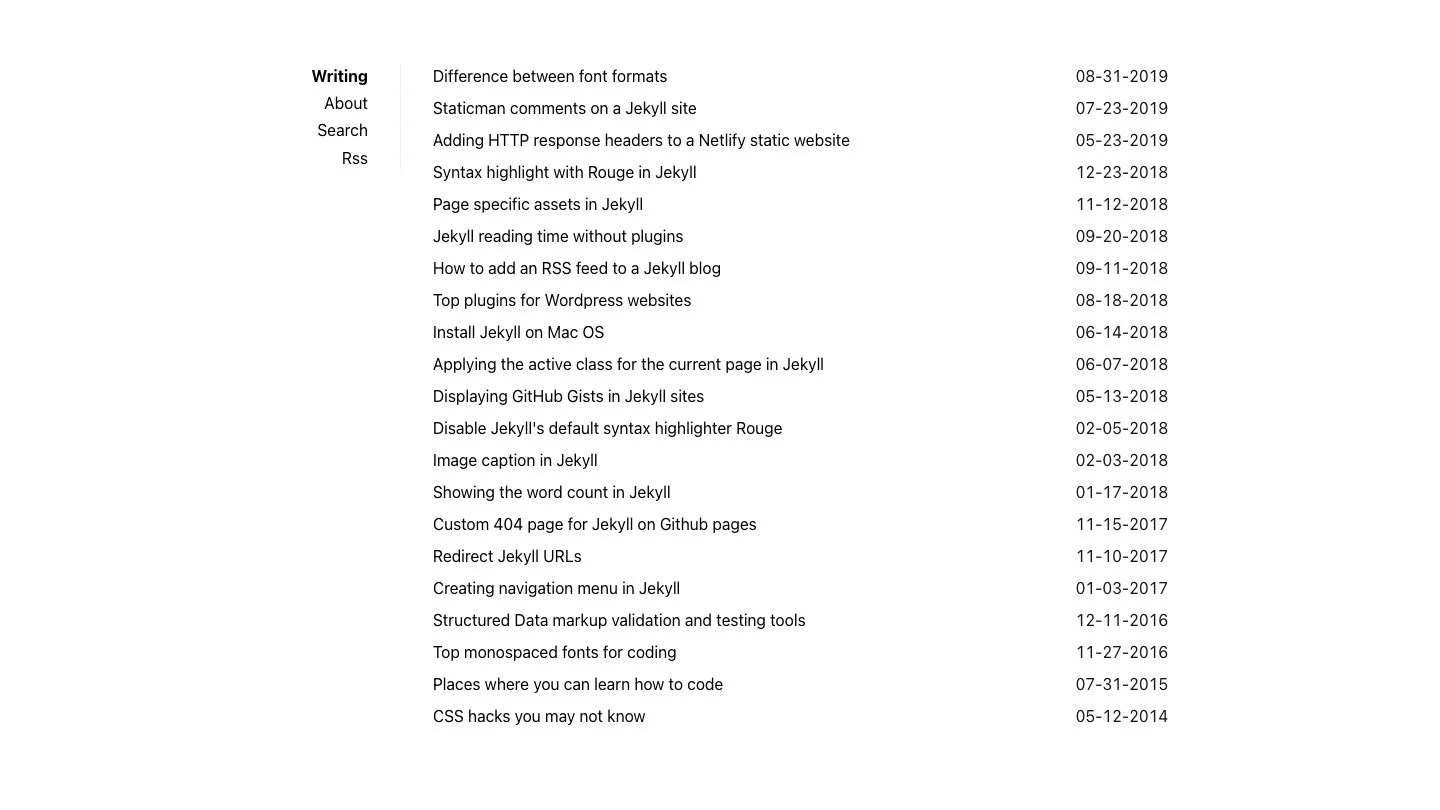
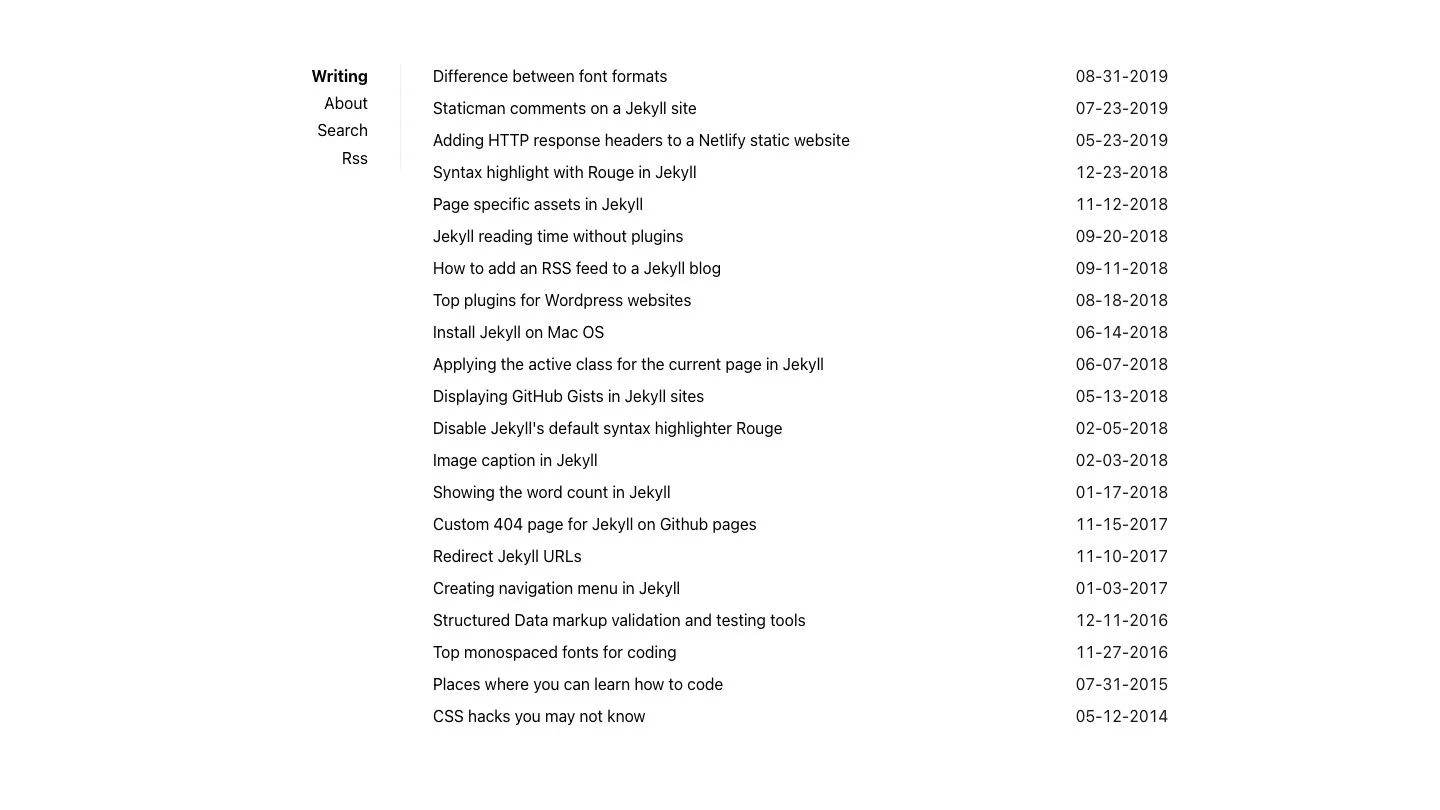
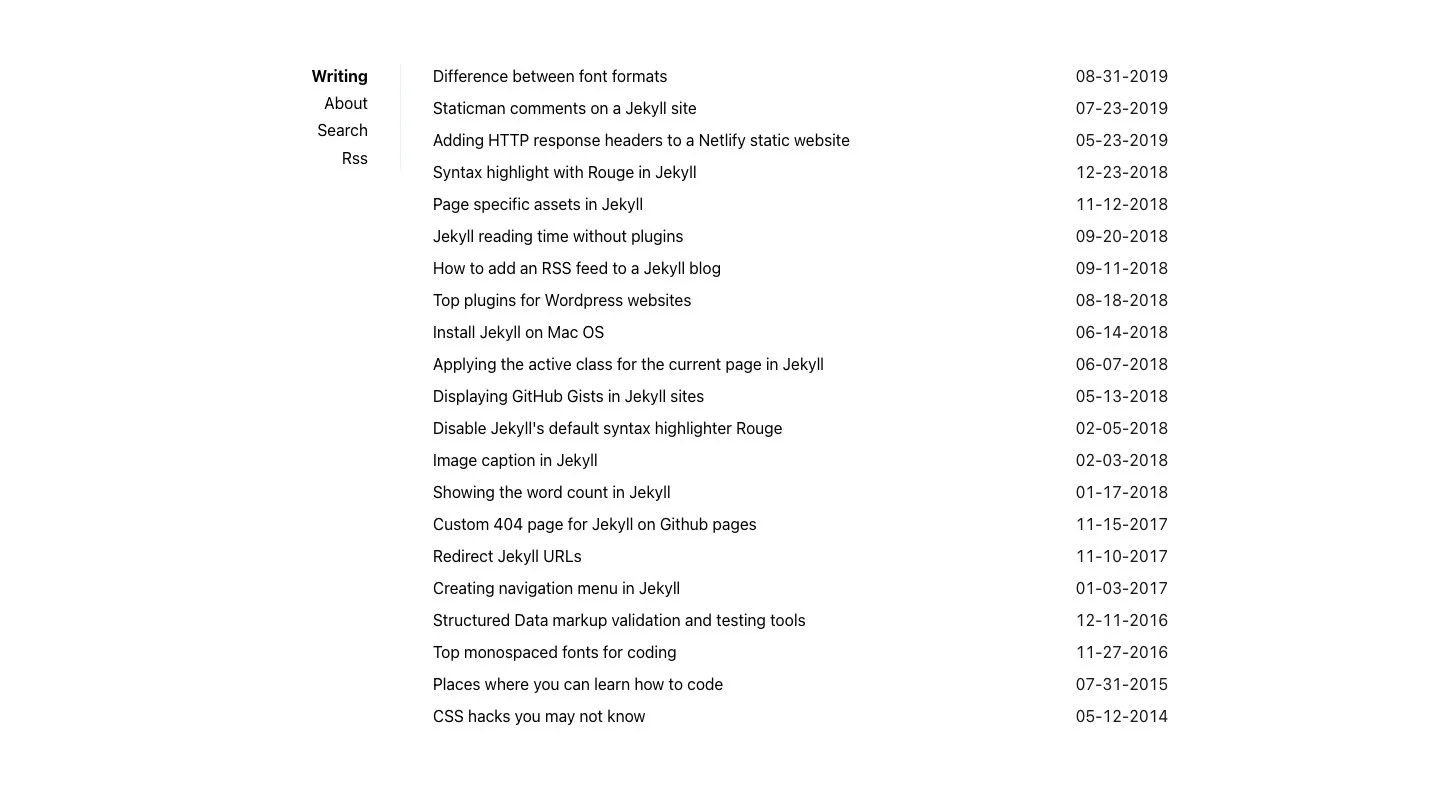
The defining visual is the split layout: a dark charcoal sidebar on the left holding the site title, navigation links, search, and tag cloud; a wide white content area on the right listing posts in a simple date-plus-title-plus-excerpt format.
The sidebar gives Sidey an immediately distinctive personality — it reads like a classic publishing layout, reminiscent of old-school blogging platforms, but rendered in a thoroughly modern way. On mobile the sidebar collapses into a top navigation bar, keeping the responsive experience clean.
Who It’s For
Sidey is the right choice for developers who care deeply about page speed and Core Web Vitals, writers who want zero visual distraction between their words and the reader, and anyone building a blog on Netlify who wants security headers and a perfect audit score configured from day one.
If your priority is content over decoration, and you want to know that your blog will score perfectly on every performance audit tool without any tuning, Sidey delivers that out of the box.
Key Features
100/100 Lighthouse Score — Not “close to” 100 — exactly 100 on Performance, Accessibility, Best Practices, and SEO. Sidey achieves this through inline CSS (eliminating render-blocking stylesheets), compressed HTML output, semantic markup, proper heading hierarchy, and careful attention to every accessibility requirement.
Built-in Search — Client-side search is powered by a search.json index and a small search.js script. No Algolia account, no external API calls, no third-party dependency. The search box in the sidebar returns results instantly as you type.
Tags and Tag Pages — Every post can be tagged, and each tag gets its own archive page listing all posts in that category. The sidebar displays a tag cloud so readers can browse by topic.
Atom and JSON Feeds — Both atom.xml and feed.json are generated automatically. JSON Feed support is increasingly valued by modern feed readers and podcast clients.
Security Headers — The included netlify.toml sets a full suite of security response headers (Content-Security-Policy, X-Frame-Options, X-Content-Type-Options, Referrer-Policy) so your blog is protected against common web vulnerabilities without any additional configuration.
Inline CSS — Rather than linking to an external stylesheet, Sidey inlines critical CSS directly in the <head>. This eliminates render-blocking resources entirely and is a significant factor in the perfect performance score.
Compressed Output — Both CSS and HTML are minified in the build output. The HTML compressor removes whitespace and optional tags without touching content, keeping page sizes as small as possible.
Anchor Headings — Every heading in every post automatically gets an anchor link icon on hover, making it easy for readers to link to specific sections.
Performance Philosophy
The ~5kb CSS figure is not an accident. Every byte was considered. There are no decorative elements that don’t serve a functional purpose, no Google Fonts requests, no icon libraries loaded from a CDN. The result is a blog that loads almost instantaneously even on 3G connections.
For developers who run Google PageSpeed Insights on their sites and see numbers below 90, Sidey offers a straightforward alternative: start with a theme that’s already maxed out and build from there.
Installation
Clone the repository, run bundle install, and serve with bundle exec jekyll serve. For Netlify, push to your repository and Netlify will auto-detect the Jekyll config; the netlify.toml handles build settings and security headers automatically.
Sidey works on GitHub Pages without modification — all the plugins used (jekyll-feed, jekyll-seo-tag, jekyll-sitemap) are on the GitHub Pages whitelist.
Features
- Dark sidebar navigation with site title and links
- Perfect 100/100 score on Lighthouse, PageSpeed Insights, and WebPageTest
- Built-in client-side search (no external service)
- Tags and tag archive pages
- Inline CSS for minimal render-blocking
- Compressed CSS and HTML output
- Atom and JSON feeds
- SEO optimised (Twitter Cards, Facebook Open Graph, Schema.org)
- Security headers for Netlify deployment
- Anchor headings on all posts
- Robots.txt included
- Only ~5kb of total CSS