Lagrange Jekyll Theme
A minimalist Jekyll theme for personal blogs, fully compatible with GitHub Pages. Features featured post images, Disqus comments, MathJax, and social media icons.
About this Theme
Lagrange is a clean, minimalist Jekyll theme designed for personal blogs. Built from the ground up to be 100% compatible with GitHub Pages, it’s one of the most fork-friendly themes in the Jekyll ecosystem — over 700 forks and counting.
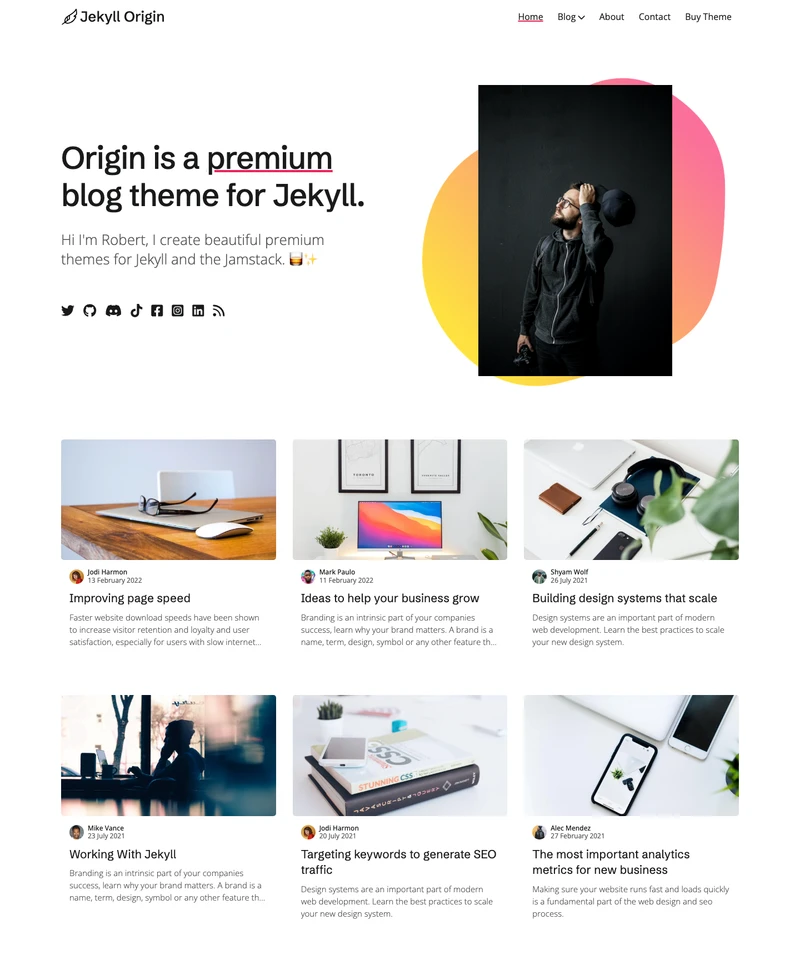
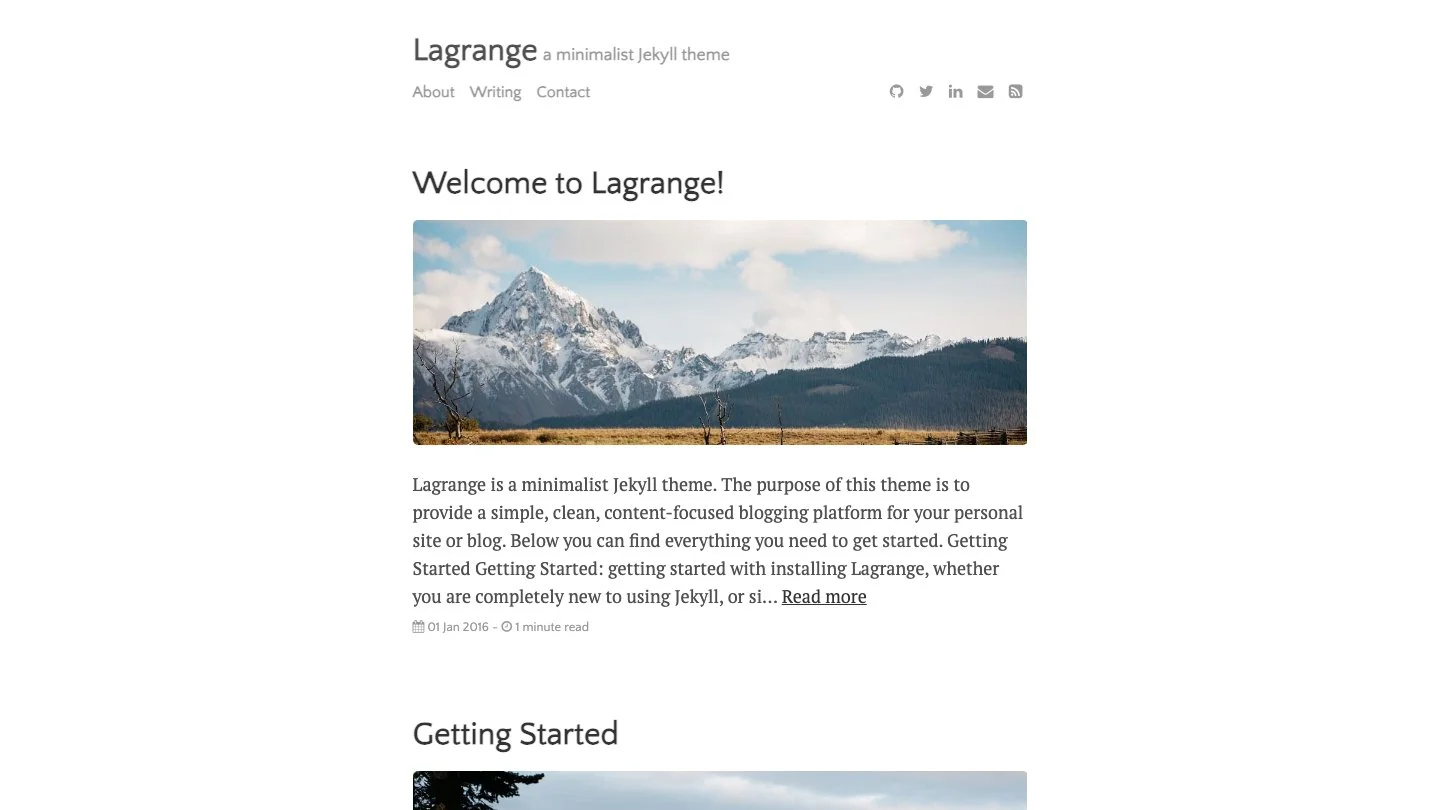
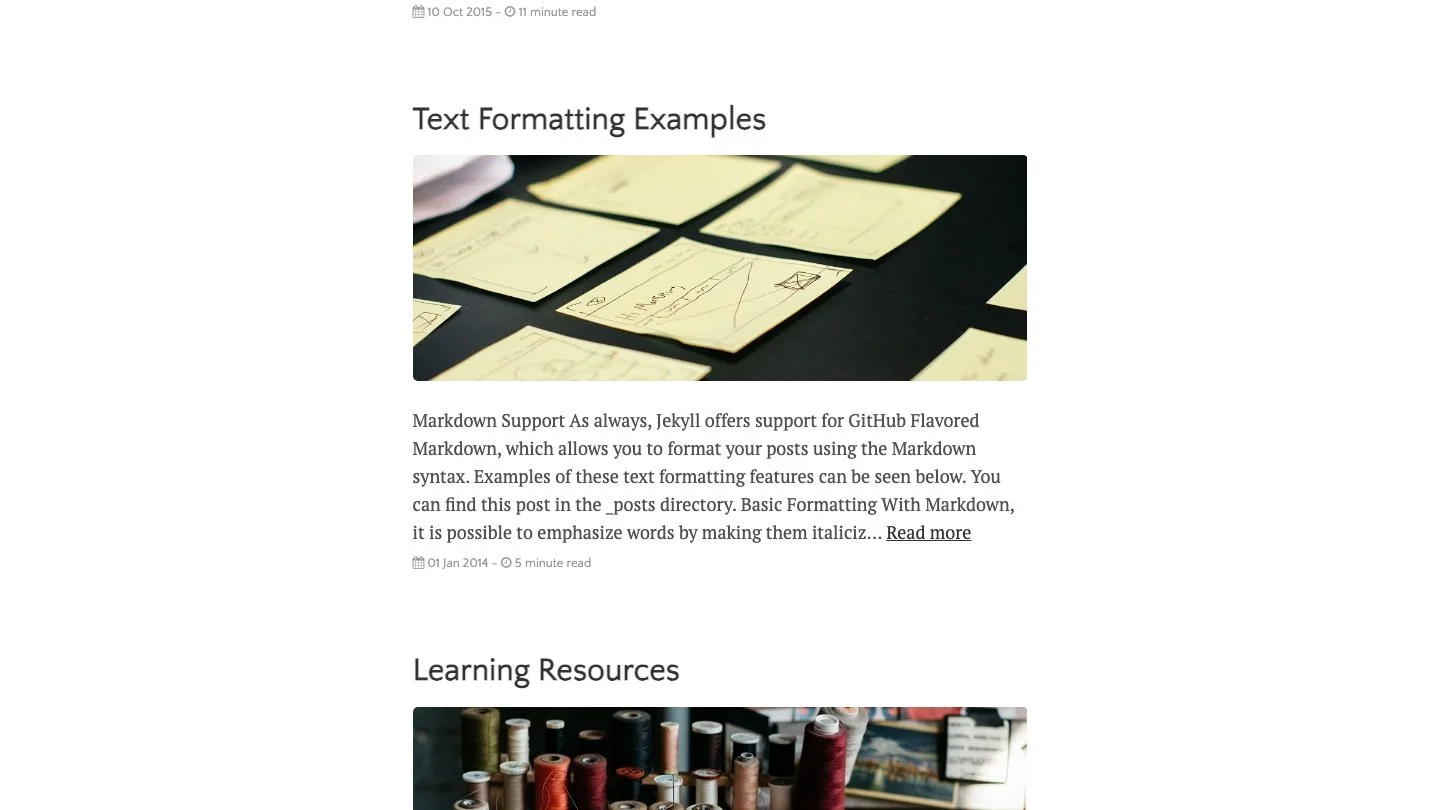
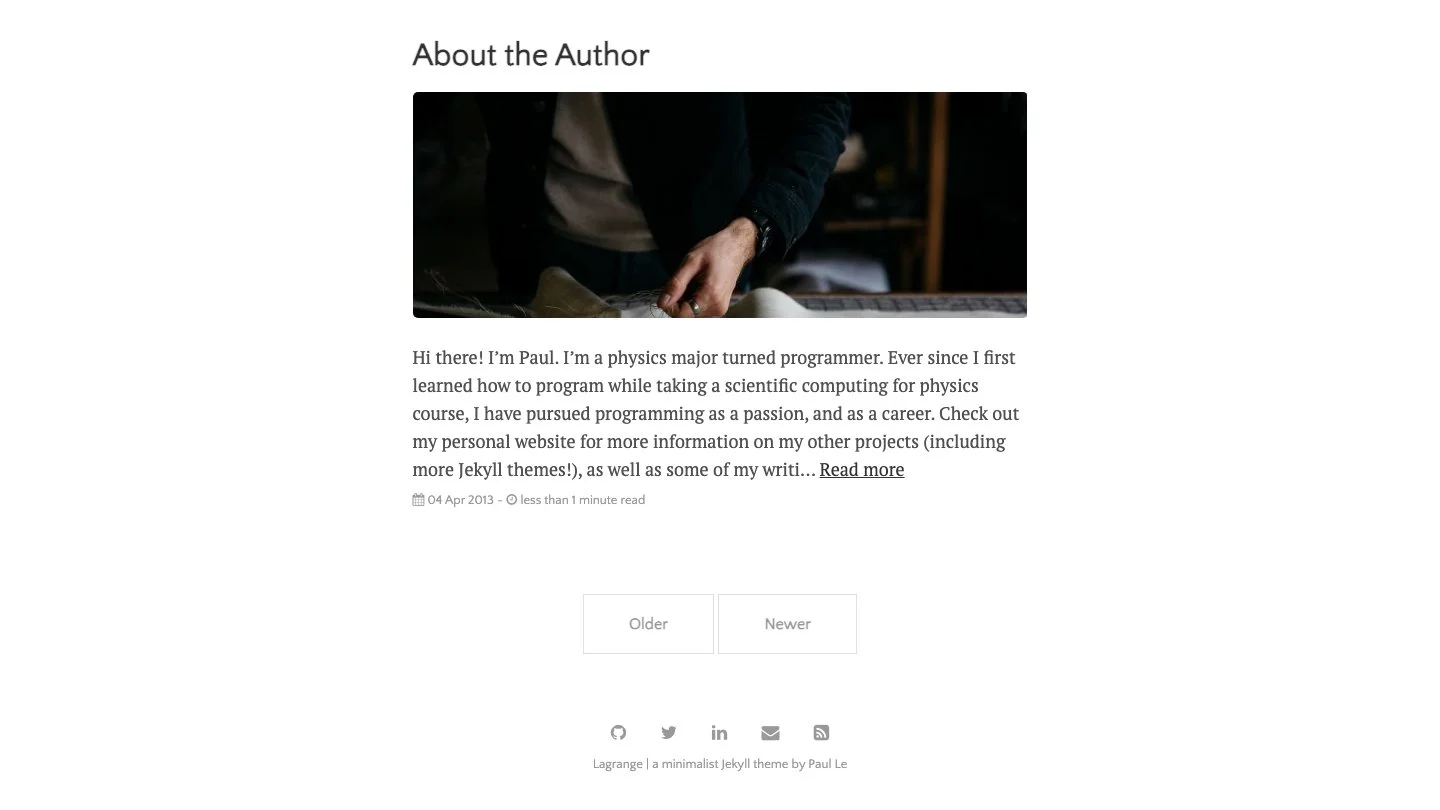
The defining visual feature is the featured image system: each post can have a full-width header image that gives the blog a magazine-style feel while keeping the overall layout restrained and readable. The image appears prominently on the post listing card and again at the top of individual posts.
Who It’s For
Lagrange suits personal bloggers, technical writers, and academics who want a polished blog that works straight on GitHub Pages without needing a CI/CD pipeline or custom build process. The MathJax integration makes it particularly popular in academic and scientific writing communities where LaTeX equations appear in posts.
Key Features
GitHub Pages Native — Fork the repo, rename it to USERNAME.github.io, edit _data/settings.yml, and your site is live. No Gemfile wrangling, no local builds required. This makes Lagrange one of the most accessible themes for developers who want a blog without infrastructure overhead.
Featured Post Images — Set image: /assets/img/your-image.jpg in any post’s front matter and Lagrange displays it as a full-width header card on the listing page and a banner on the post itself. Posts without images fall back gracefully to a clean text-only card.
MathJax Support — LaTeX equations render out of the box. Inline equations use $...$ and display equations use $$...$$. No additional configuration needed — just write your maths and MathJax handles the rendering.
Disqus Comments — Add your Disqus shortname to _data/settings.yml and comments appear at the bottom of every post. Individual posts can disable comments via front matter.
Social Media Icons — Font Awesome-powered icons for Twitter, GitHub, LinkedIn, Facebook, and more. All configured in a single place in settings.yml.
Custom Menu Pages — Pages in the menu/ folder are automatically picked up for the navigation. The About, Writing, and Contact pages are included as starting examples.
RSS and Atom Feeds — Both formats are supported. The Atom feed uses jekyll-feed, and an RSS 2.0 feed is generated via a custom template if you prefer that format.
Installation
The quickest start is forking the repository on GitHub. The gh-pages branch is the live branch — fork it, rename the repository to USERNAME.github.io (or any project name), and edit _data/settings.yml to set your site title, description, author name, social links, and Disqus configuration.
For local development, download the archive, run bundle install, then jekyll serve. The site runs at http://localhost:4000.
Customisation
The _data/settings.yml file is the control panel for Lagrange — site title, description, author bio, social links, analytics ID, Disqus shortname, and which menu items appear in the navigation are all set there. For visual changes, the CSS lives in assets/css/main.css.
The directory structure is conventional Jekyll: posts in _posts/, images in assets/img/, menu pages in menu/. Adding a new static page is as simple as creating a Markdown file in menu/ and adding its path to settings.yml.
Community and Maintenance
With 725 stars and over 700 forks, Lagrange has one of the highest fork-to-star ratios of any Jekyll theme — a strong signal that developers are actively using and building on it. The v4.0.0 release (June 2021) modernised the codebase and the theme continues to receive occasional maintenance updates.
Features
- Fully compatible with GitHub Pages — no custom build needed
- Featured header image per post
- Disqus comment integration
- Google Analytics support
- MathJax for LaTeX mathematical equations
- Syntax highlighting via Rouge
- Social media icons via Font Awesome
- RSS 2.0 and Atom feeds
- SEO optimised with meta tags
- Custom menu pages via _data/settings.yml
- Related posts section
- Mobile responsive layout